

Ask for “just pages 3 to 5” or “cut out the appendix” and get a new PDF, Word or PowerPoint file with only those pages.
Conversion, OCR, slice and merge
Convert PDF to Word, Excel and PowerPoint with AI
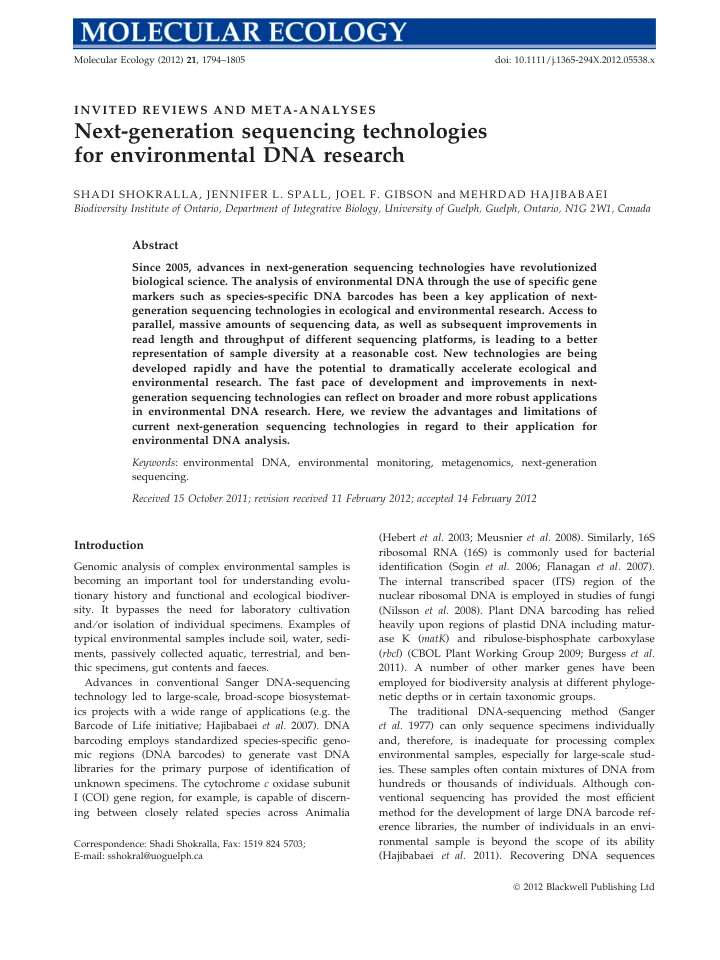
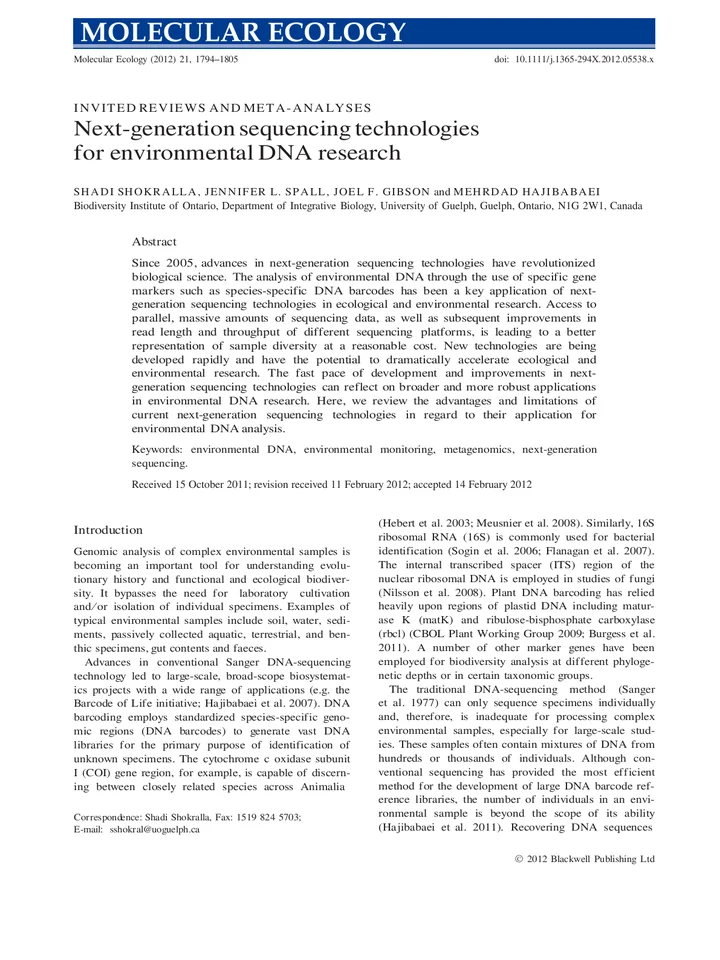
Turn a PDF into an editable Word file, a scan into searchable text, a table into a spreadsheet, or a deck into a document — with OCR whenever it is needed.
Convert, extract pages and merge files by just describing what you want. AI handles the conversion and runs OCR automatically on scans and images.
LLM Helper
PDF
DOCX
PPTX
TXT
OCR
XLSX
Convert with the engine that fits, then read, refine and edit the result with any model you like
ChatGPTClaudeGeminiDeepSeekQwenKimi
Fidelity comes from a dedicated conversion and OCR pipeline. The AI model understands the document structure and handles any follow-up editing.
Convert, slice and merge in plain language
Traditional format conversion requires you to pick the correct formatting by hand. Our AI advisor determines the correct documentation operation from natural language.
Traditional File Conversion
AI Assisted Conversion
Real conversions, real fidelity
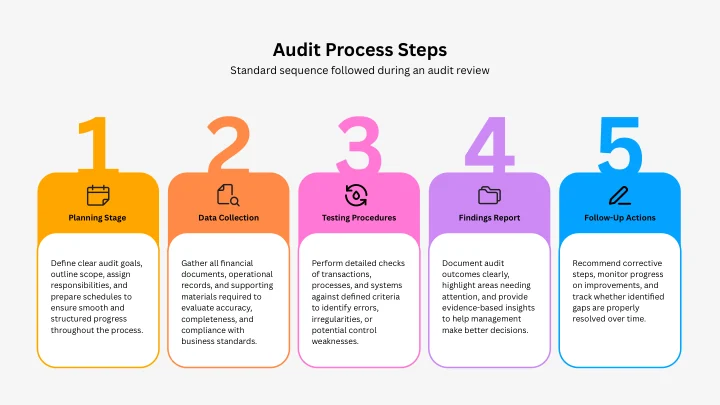
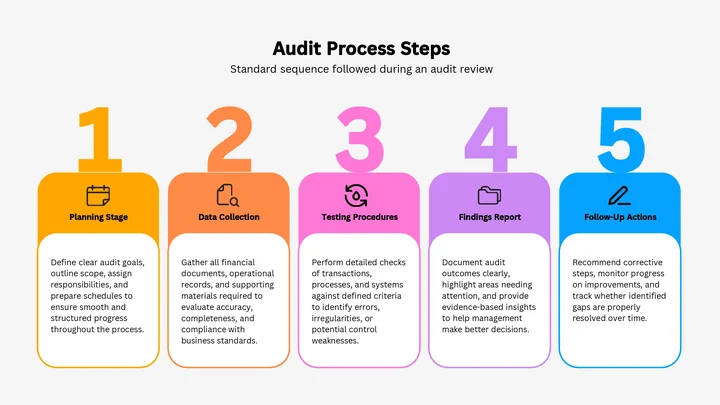
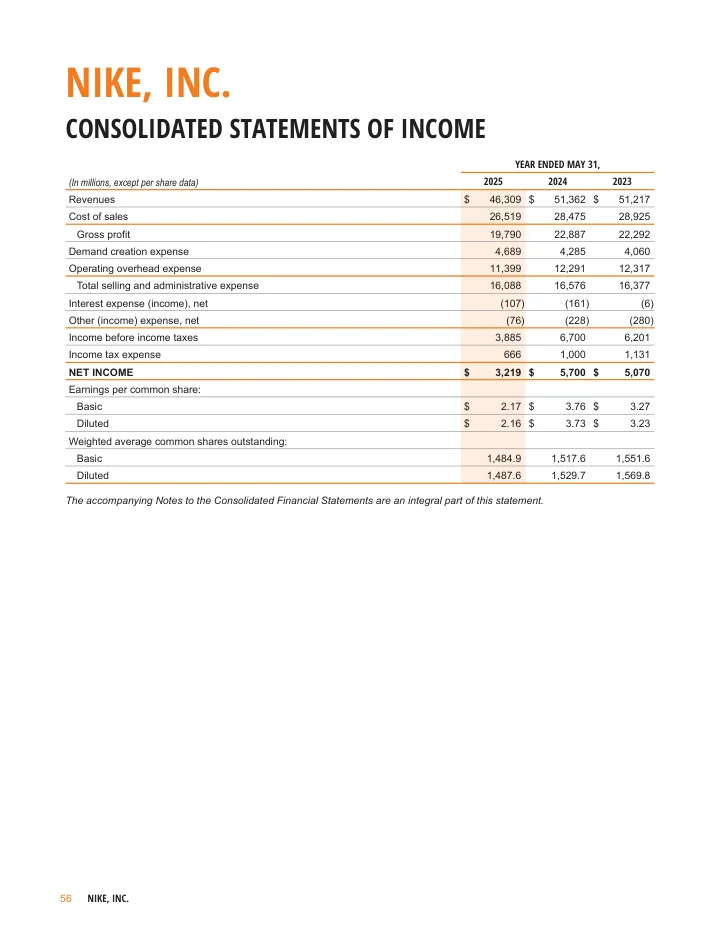
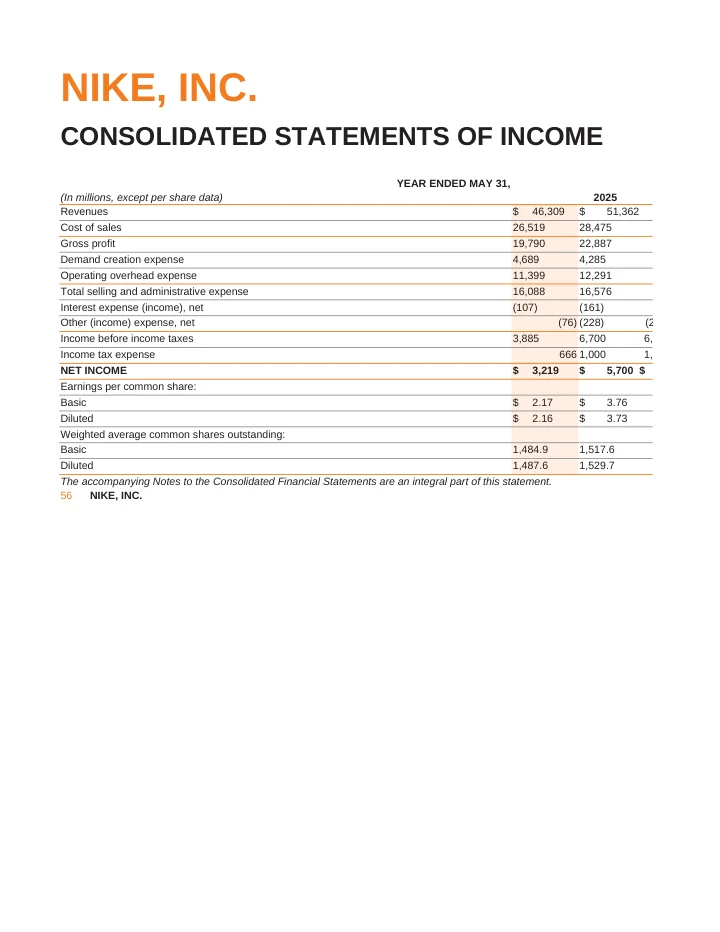
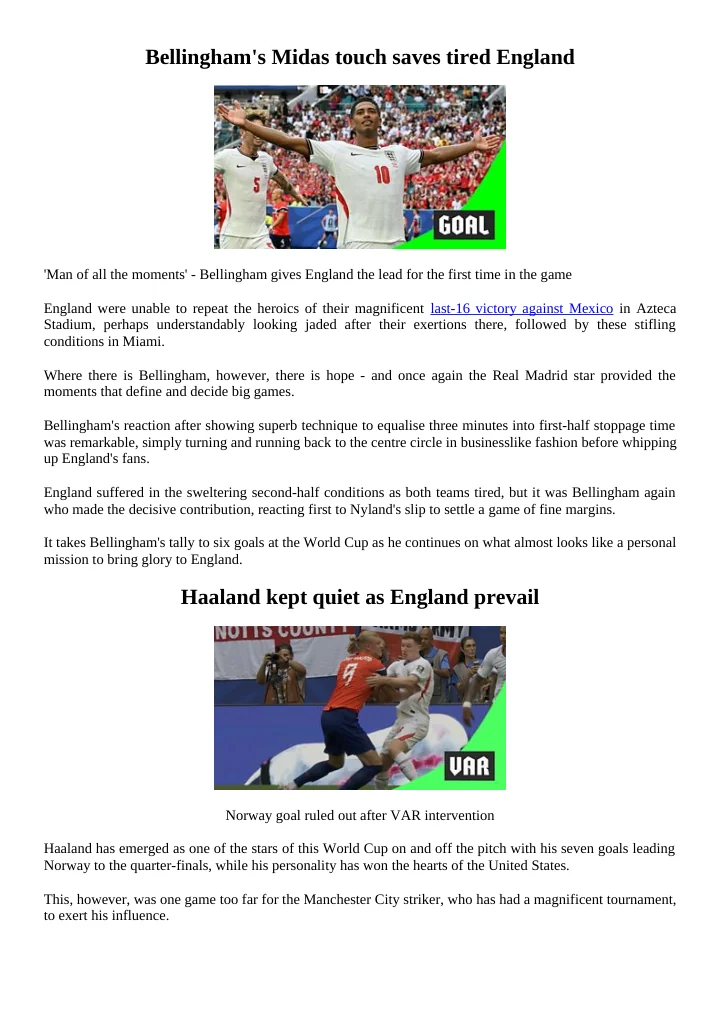
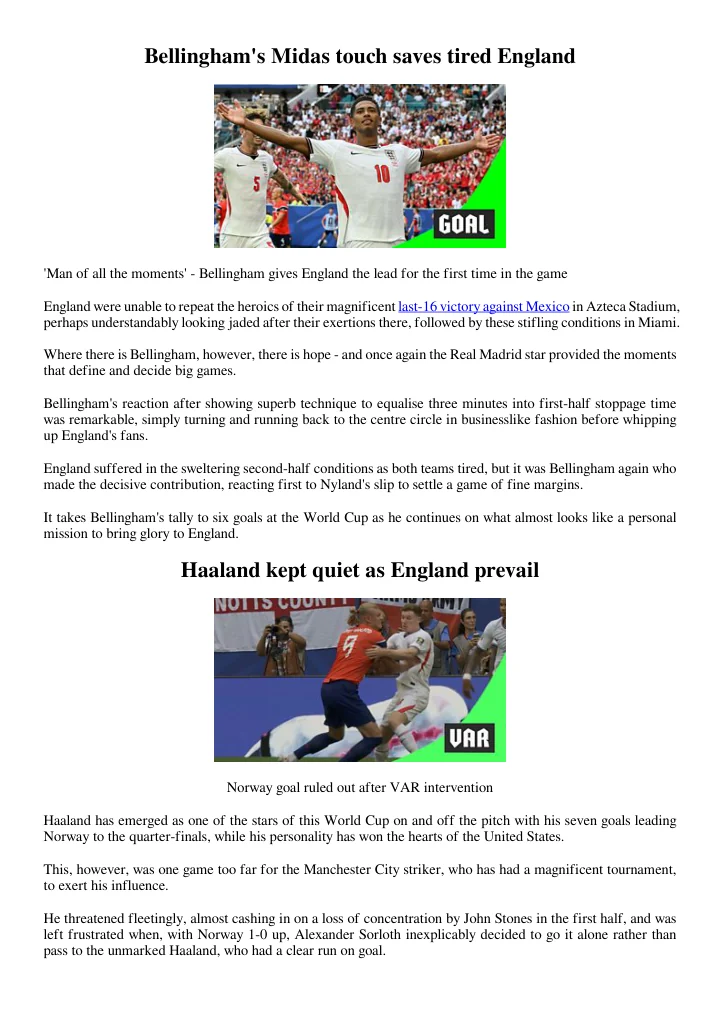
See the actual before and after — and download both
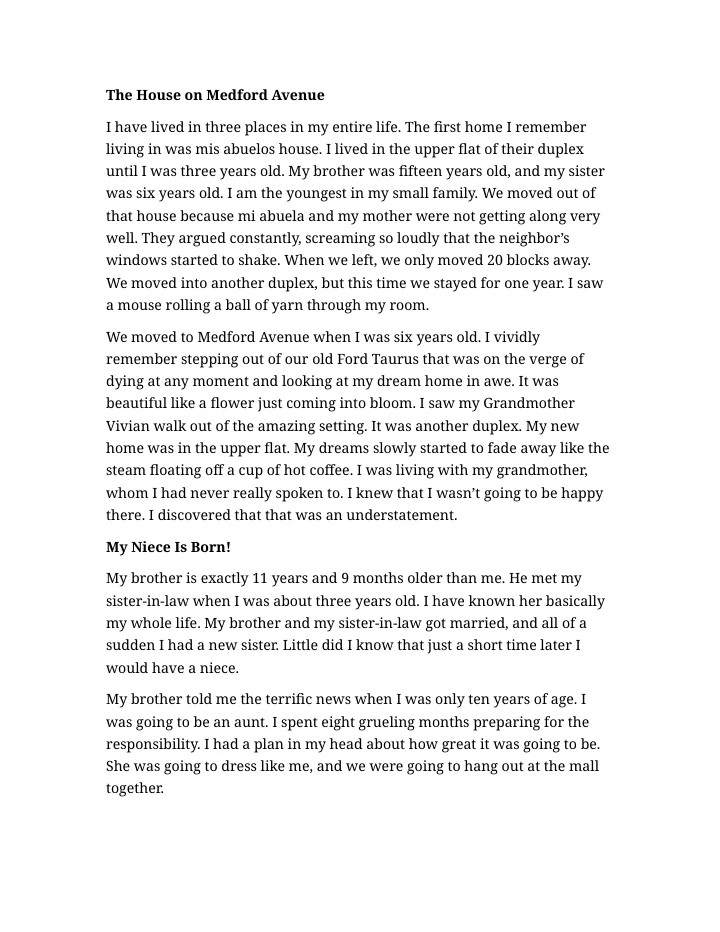
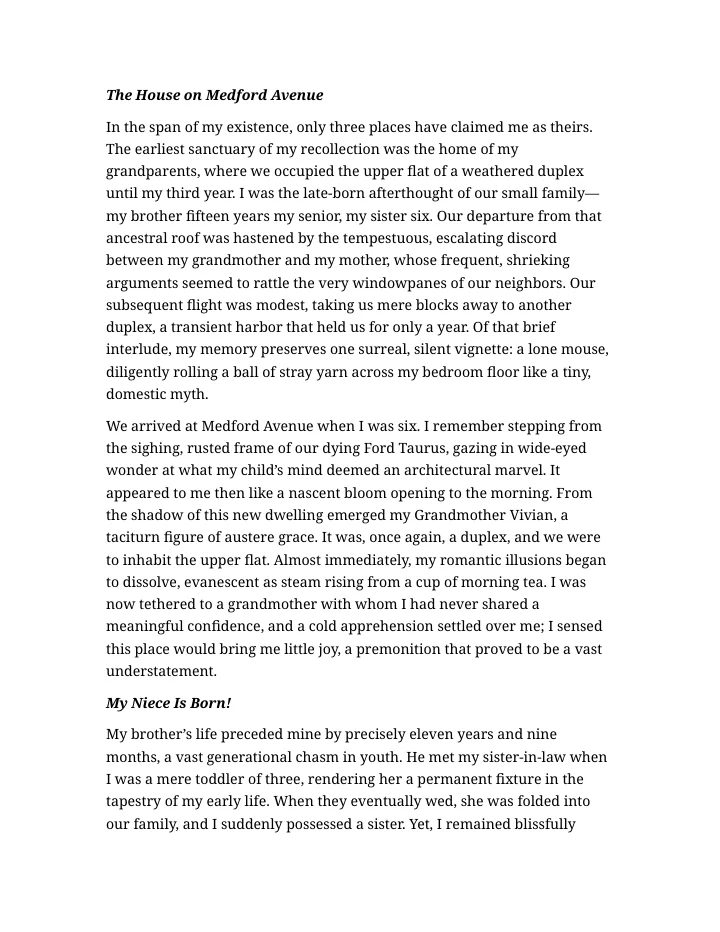
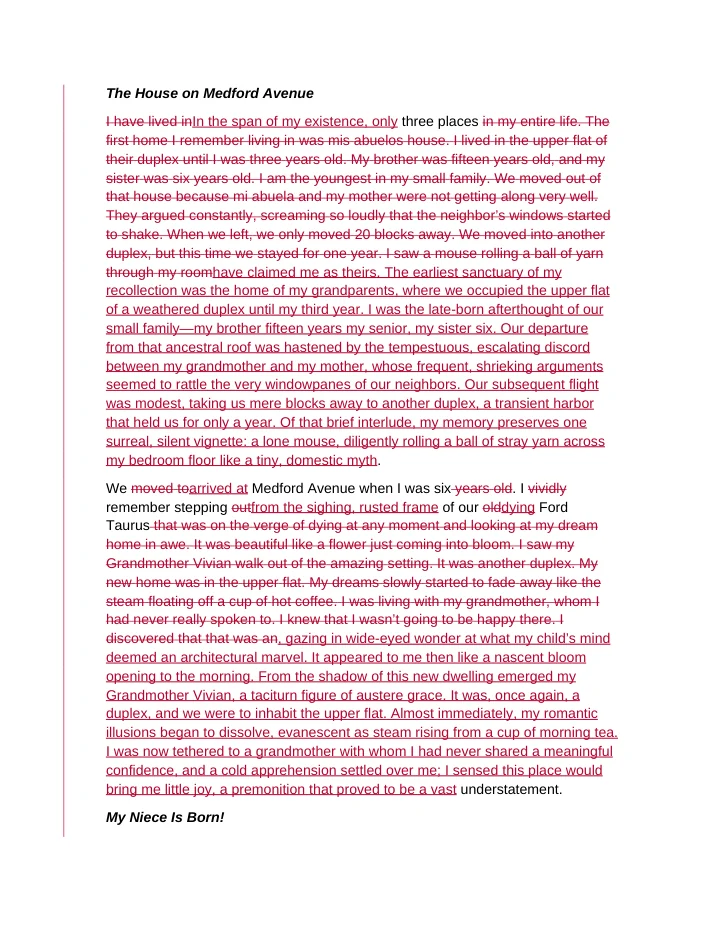
The original and your edited copy go in — a single tracked-changes document comes out.
Popular conversions
The conversions people ask for most
More than format conversion
Slice pages out and merge files together
Upload an original and a revised version and get a single Word file with every change shown as tracked insertions and deletions.
Combine PDFs, Word docs and slides into one file, in the order you choose. Mixed formats are unified automatically.
See every supported conversionPDF, Word, Excel, PowerPoint, plain text, images and more — click any pair to start.
From PDF
From Word (DOC, DOCX, RTF, ODT)
From PowerPoint (PPT, PPTX, ODP)
From Excel (XLS, XLSX, ODS)
From images and scans (JPG, PNG, TIFF, BMP, GIF, WEBP)
From text and web (TXT, HTML)
Questions
Frequently asked questions
Can I convert a PDF to Excel?
Yes. Tables inside a PDF are reconstructed into a real Excel (.xlsx) grid so you can sort, filter and total the numbers. Scanned PDFs are run through OCR first.
How do I convert PowerPoint to Word?
Upload the .pptx and ask for a Word document. The slide content is laid out as an editable .docx report — no copying slide by slide.
Does OCR work on scanned documents?
Yes. Scanned PDFs and image files are automatically run through OCR so the output text is selectable and searchable, in Word, PDF or plain text.
Can I convert RTF, ODT or HTML files?
Yes. RTF, ODT, ODP, ODS and HTML are all supported as inputs and can be converted to Word, PDF, PowerPoint, plain text or images.
Can I extract certain pages or merge several files?
Yes. Ask to pull out a page range as a new file, or merge up to 20 PDFs, Word docs and slide decks into a single file in the order you choose.
Is the original layout preserved?
We aim to keep the look and feel of the source file — tables, headings and structure — so conversion ends with a working document, not a formatting cleanup project.
Ready when you are