Translate a document to 100+ languages
Common questions
How is DocXee better than Google Translate?
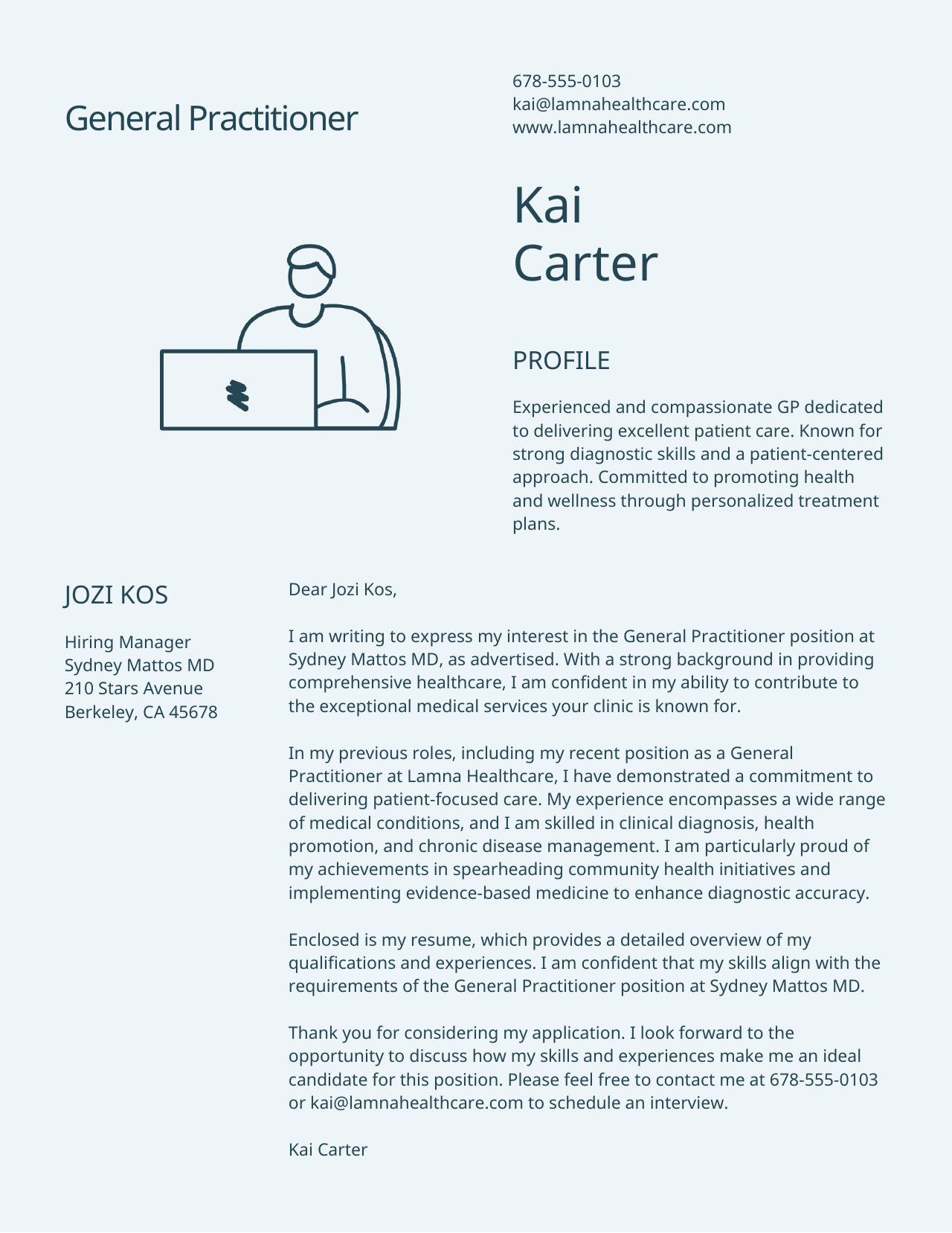
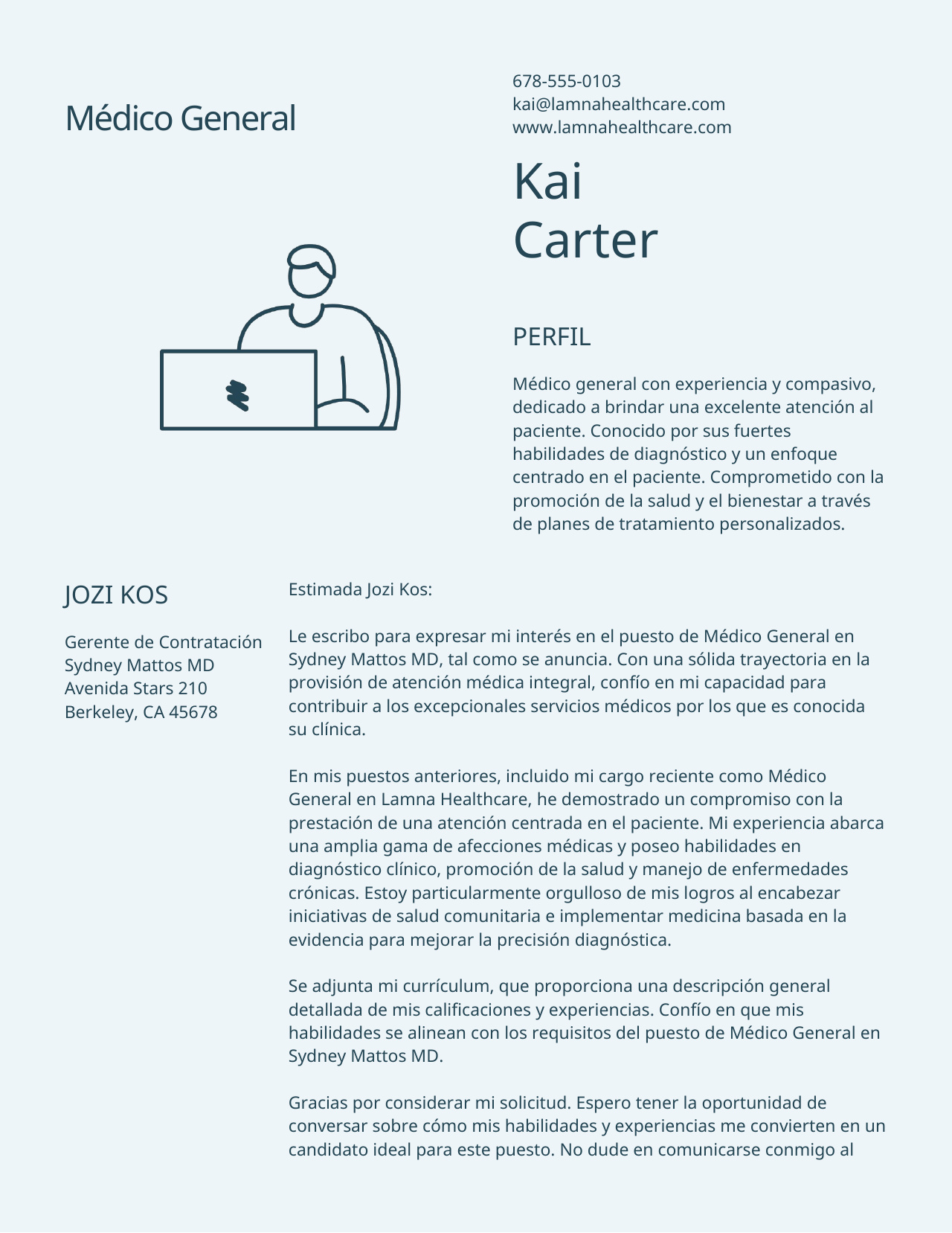
We use the latest LLM from Claude, OpenAI or Gemini to translate your document for best performance. Google Translate works one sentence at a time with no idea what the rest of the document says, so terminology drifts, tone flattens and anything that depends on context is guessed at — and what you get back is a web page or a plain text file, not your document. We translate with the whole document in view and rebuild the original file around the new text.
Which file types can I upload?
PDF, Word (DOC/DOCX), PowerPoint (PPT/PPTX), rich text and plain text. You do not need a different page for each one — upload whichever you have and the right pipeline is chosen for you.
How many pages can DocXee translate?
A paying account translates up to 100 pages in one run. Everyone else gets the first 8 pages, and that is the same whether you have registered or not — enough to judge the quality on your own file rather than on our sample. A small top-up opens the full 100 and keeps the service running.
Does it keep the original formatting?
Yes. Tables, columns, footnotes, headers and images are rebuilt in the output file rather than flattened into plain text, so what you get back is an editable document and not a scan.
What happens to a PDF specifically?
A PDF is converted to an editable document first and then translated, so the result is a file you can keep working on. A scanned PDF with no text layer is read with text recognition before any of that begins.
What happens to a PowerPoint specifically?
Every slide is translated in place — text boxes, tables, speaker notes and charts — with the illustrations and the slide design untouched. Longer translated text is fitted to the box it belongs in rather than allowed to run off the slide.
Why do I need DocXee to translate when claude.ai or chatgpt.com can translate my file?
DocXee guarantees original formatting and translation of all pages. With other websites, they often give incomplete result with no formatting.
Do you support right-to-left languages like Arabic, Urdu or Hebrew?
Yes, we fully support translating from or to right-to-left language. Upload your own document to see how good we perform!
Can it translate text inside images?
Yes. Text recognition can read words inside document images before translating them, while the surrounding layout remains editable.
Can I translate only some pages?
Yes. Edit the instruction to say which pages you want — for example, only the first three — and the rest of the document is left alone.
Which languages are supported?
Over 100, including right-to-left languages such as Arabic, Hebrew and Urdu, where the text direction and alignment are mirrored for you.
Do I need an account?
No. Your first document runs without signing up.