Extract pages from a PDF into a new file
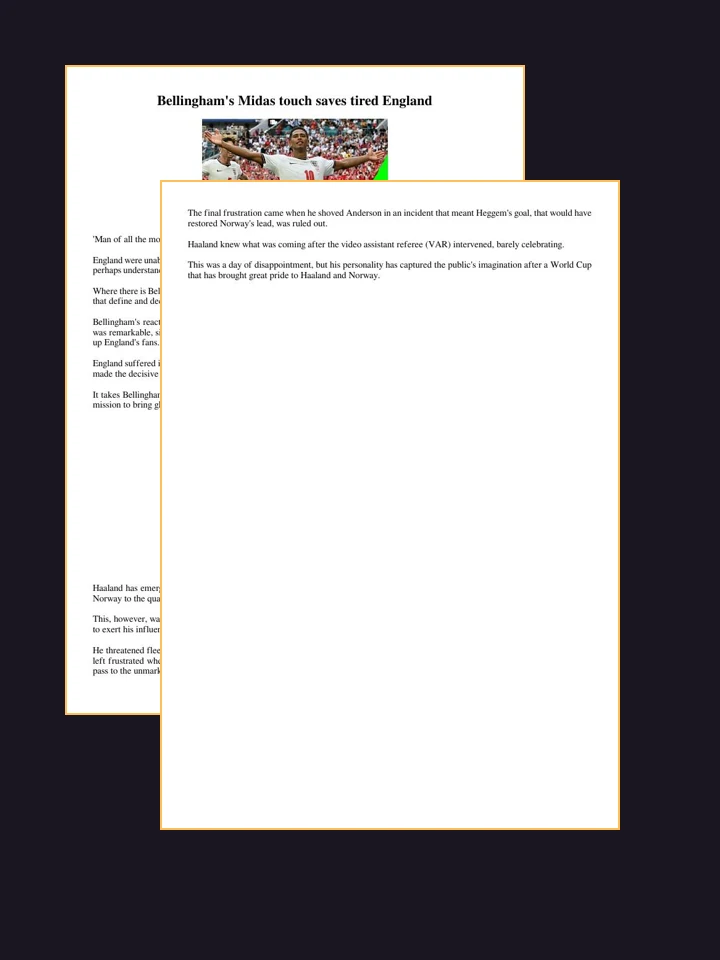
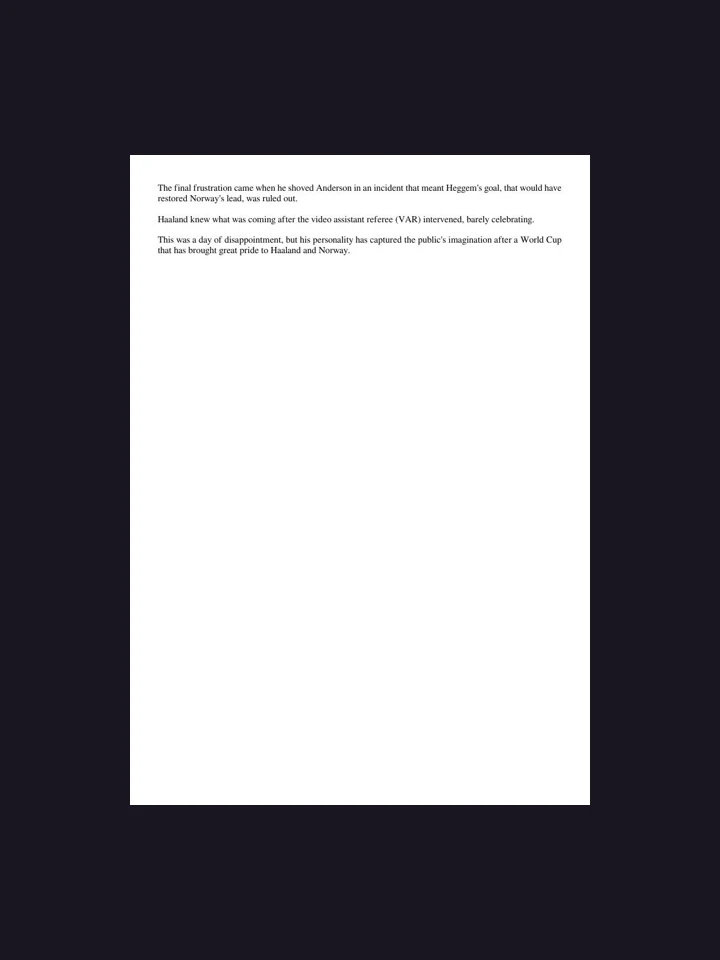
One range at a time — edit the sentence for any pages you like.
Common questions
Can I choose any pages I want?
One run takes one continuous stretch of pages — 4 to 9, say. The underlined part of the sentence has the common ones ready to click, and you can type any range over it. For two separate stretches, run it twice.
Can I delete pages instead of keeping them?
Yes. Say "delete pages 4 to 6 and give me back the rest" and you get the whole document with that stretch removed. It is the exact opposite of extracting, and it is worth reading your sentence back before you run it — the two produce opposite files.
Does it work on Word and PowerPoint too?
Extracting does — a range of pages from a Word file or a range of slides from a deck both work. Deleting is PDF only for now: taking pages out of the middle of a Word file breaks its section breaks and headers in ways that are not worth shipping.
Is the extracted file still a PDF?
Yes, and still a real PDF — the text stays selectable and the pages are not re-rendered as pictures.
What if I ask for a page that does not exist?
Nothing breaks. The range is trimmed to the length of your document, and if it falls entirely past the end you get the original back unchanged rather than an empty file.
Can I extract pages and then do something with them?
Yes, in one run. "Extract pages 1 to 3 and translate them into Spanish" does both and gives you one file. The extracted pages stay in this conversation either way.
How big can my file be?
Up to 10 MB per file.
Do you watermark the result?
No.
Do I need an account?
No. Your first run works without signing up.
Does it change the original?
Never. Every operation here produces a new file and leaves what you uploaded alone.